How to Scope a Pentest Without the Email Chaos
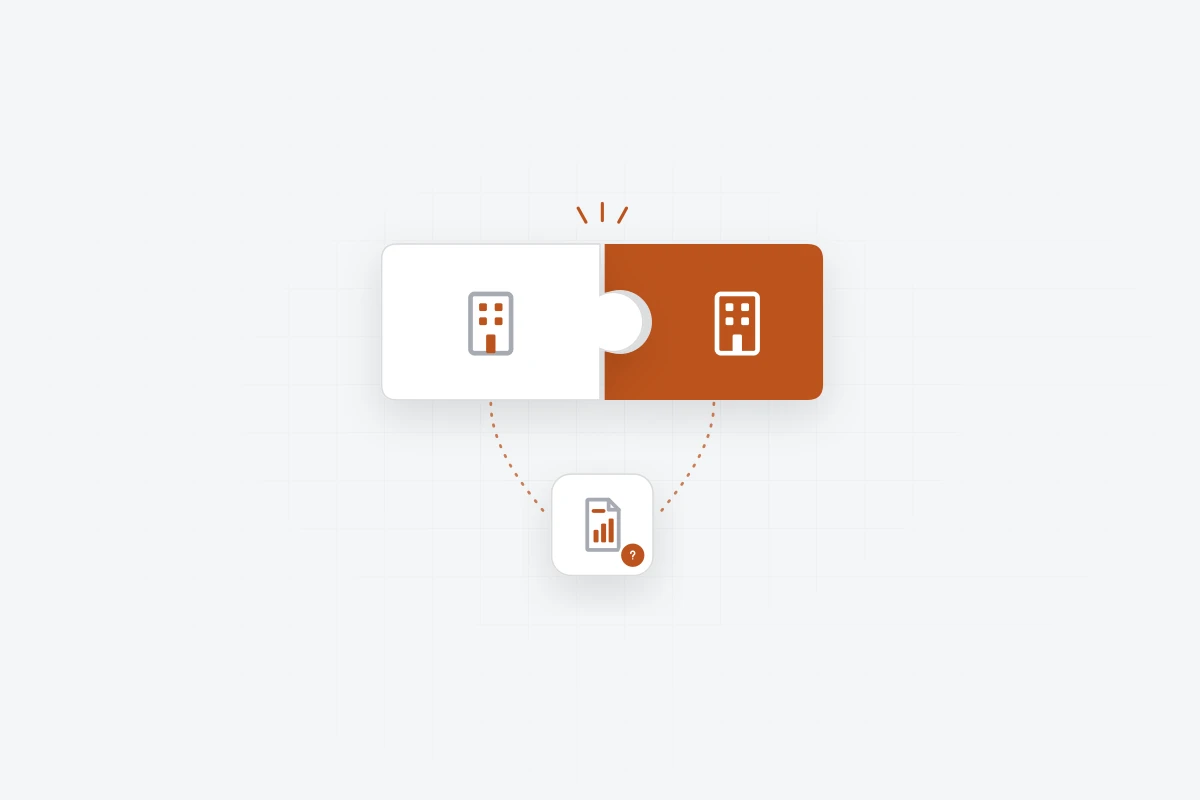
Pentest scoping over email spreads the details across inboxes, and some only turn up mid-test. A scoping questionnaire collects them in one place.
 Ilija Leko2 min read
Before a pentest can start, the testing team needs a lot of information from the client: what’s in scope, how to get access, and when testing can happen. Usually, all of this is collected over email. Which environments are in scope? Who provides the test accounts? Are there dates when testing isn’t allowed? Where’s the mobile app build? Answers arrive slowly, in different emails, sometimes from different people.
By the time testing starts, most of the information has arrived, spread across inboxes, call notes and chat messages. Some of it only turns up during the test, like a server that can’t handle scanning, or test credentials that expire on day two.
None of this is anyone’s fault. Collecting scope details over email is just hard. A simple, structured set of questions makes it easier for both the testing team and the client.
Pentest scoping, the PentestPad way
In PentestPad, a scoping questionnaire replaces the email back-and-forth.
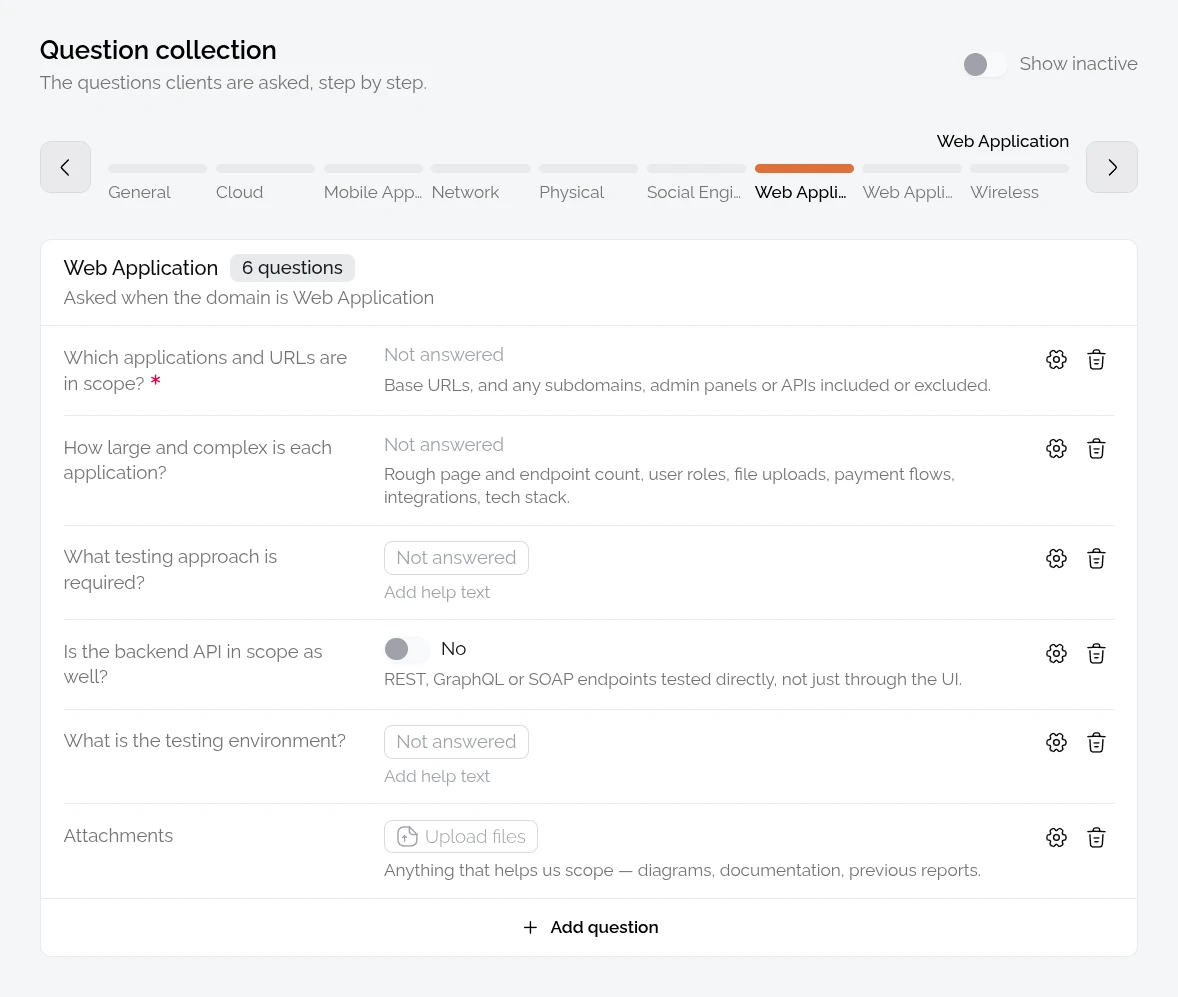
One list of questions
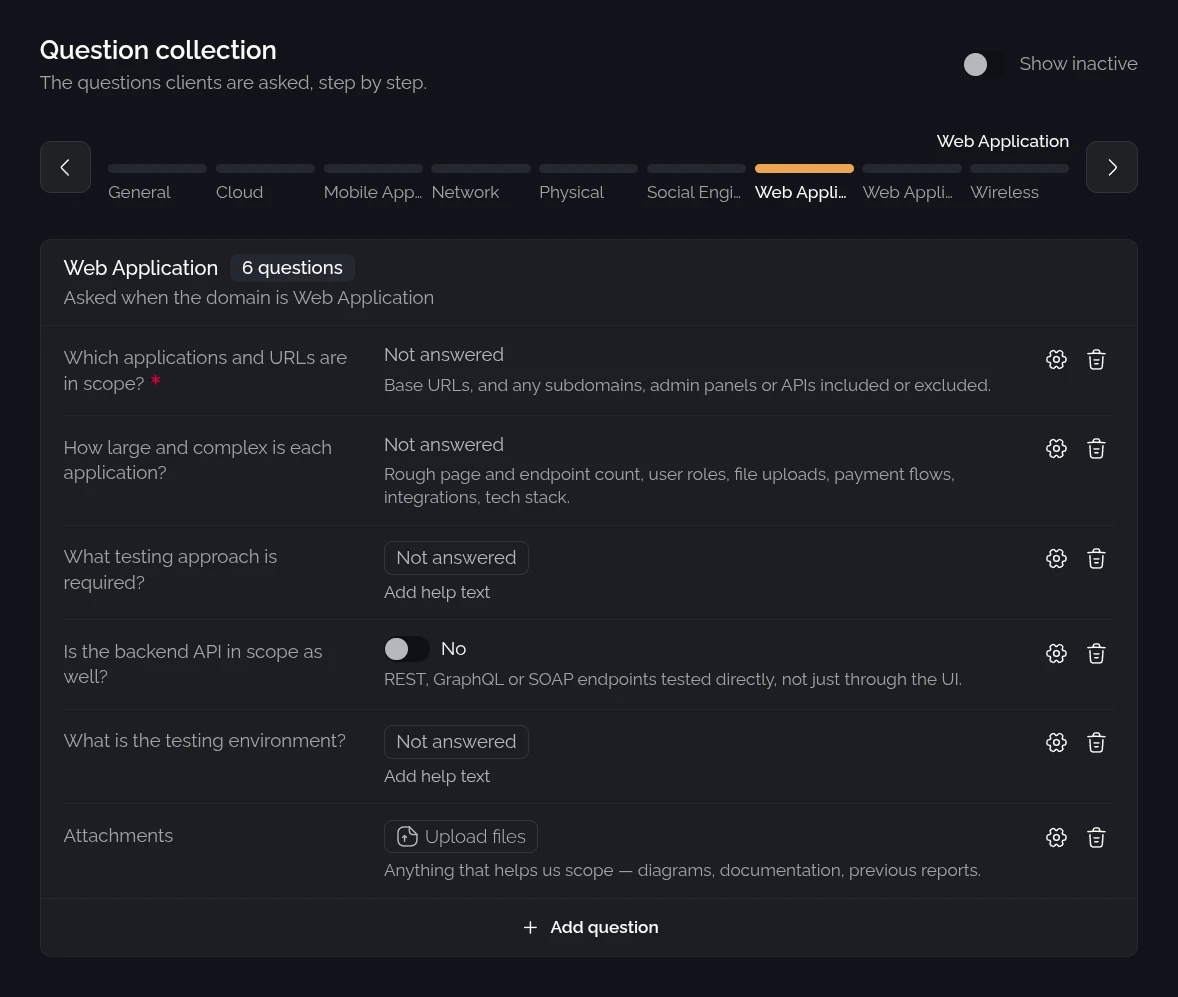
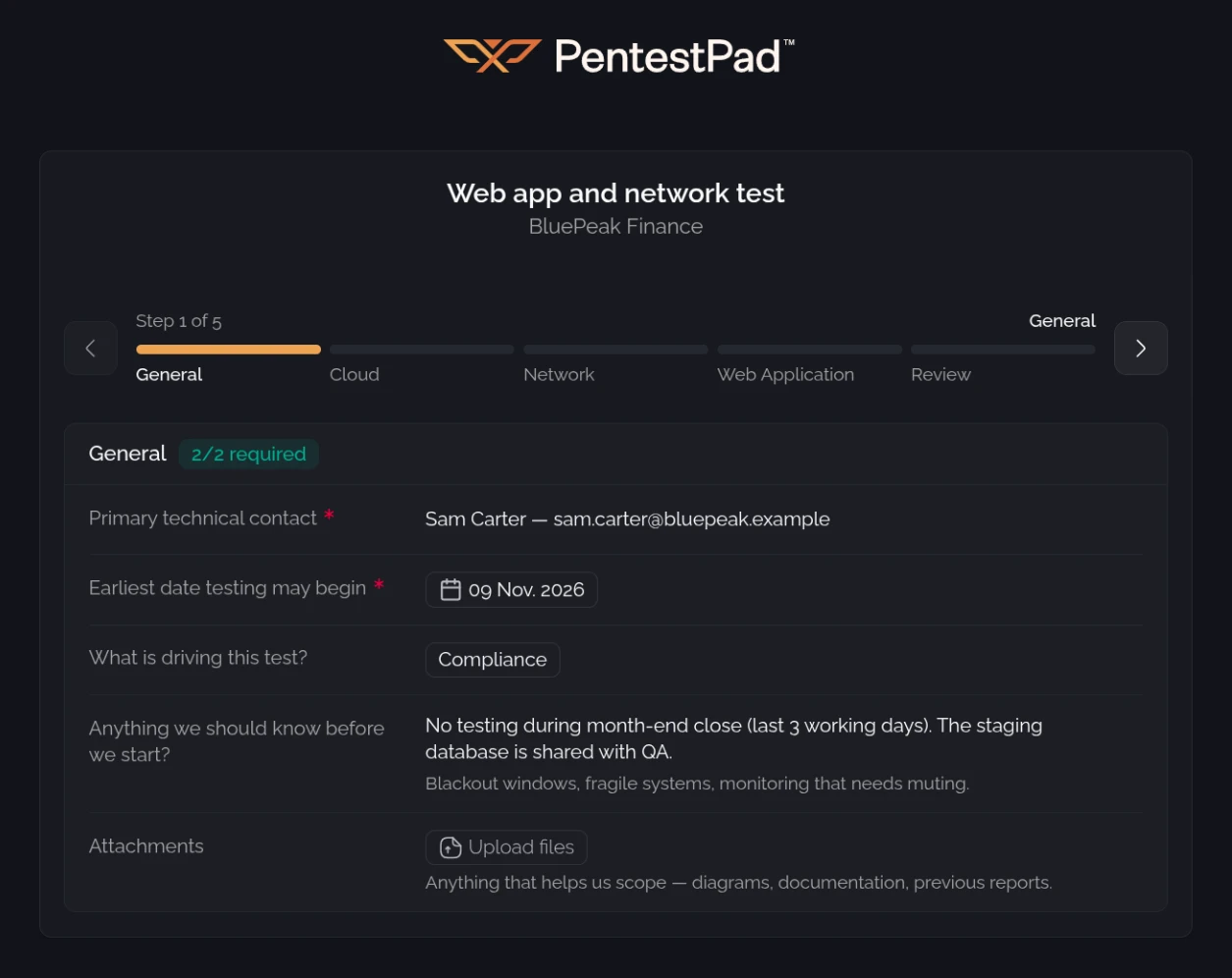
The team keeps one list of scoping questions. Each question is tagged with the types of test it belongs to, such as web app, cloud or network, and questions without a tag are asked every time. Answers can be text, a choice, a date or a file.
A questionnaire per client
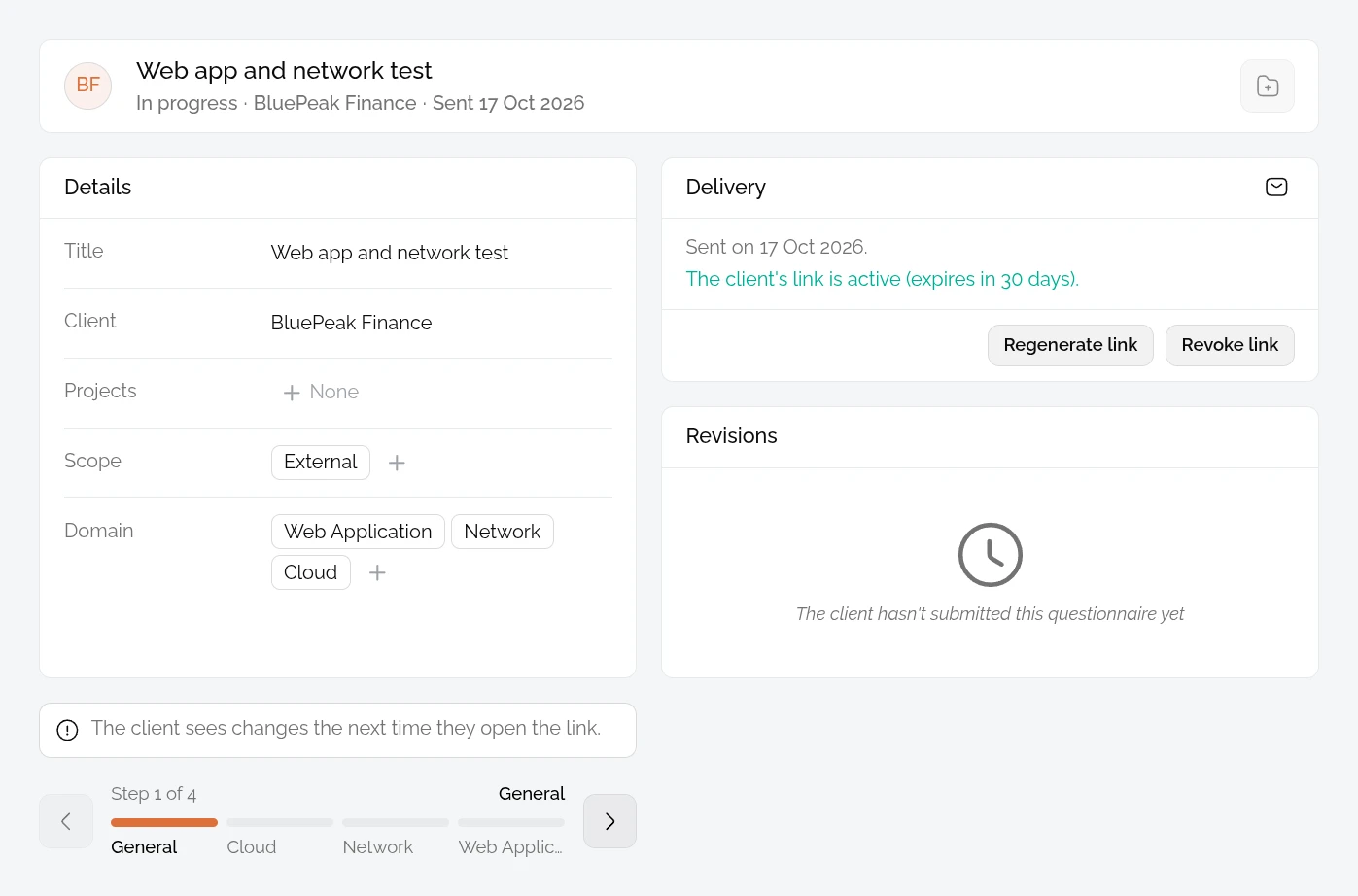
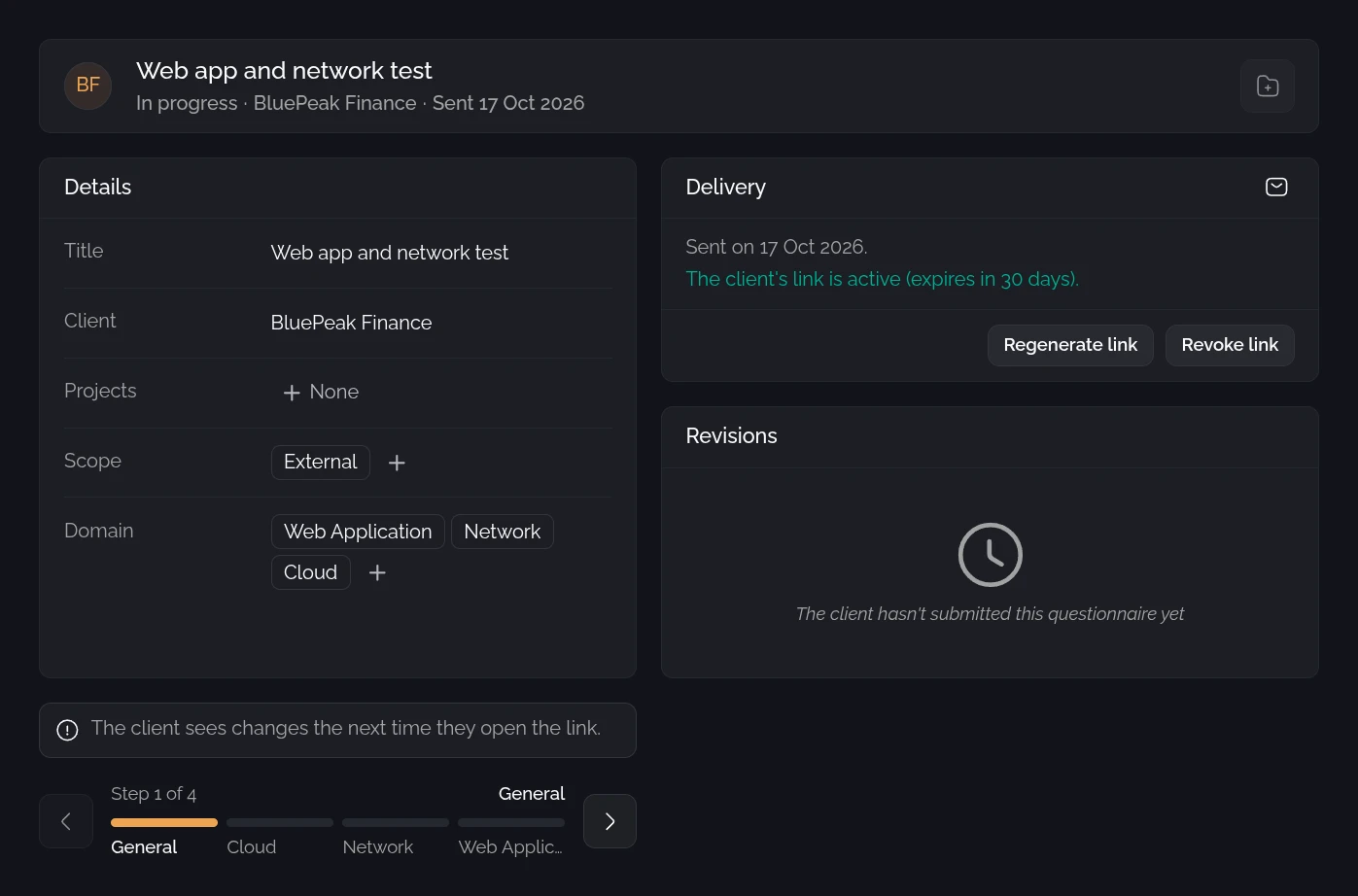
The team picks the client and the types of test, and PentestPad adds the matching questions. Any question can still be added, hidden or made required.
Sent to the client
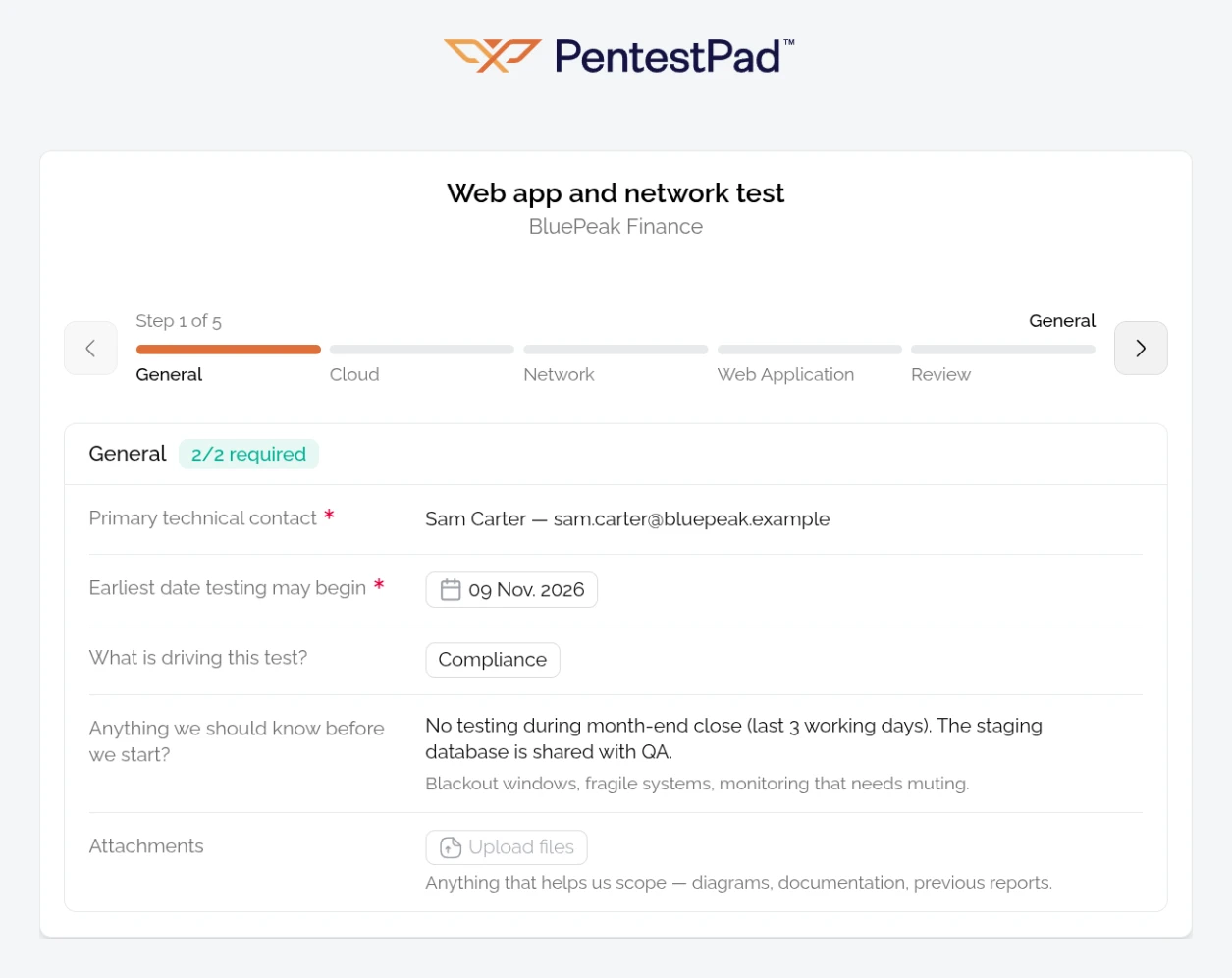
The client gets the questionnaire by email or as a link, with no account needed. The link expires after 30 days and can be revoked at any time. Answers save automatically, and files like an app build can be uploaded.
Answers become a project
Once the client submits, the team creates a project from the questionnaire with the client, scope and types of test already filled in. Uploaded files are copied to the project.
Changes are tracked
If the scope changes, the team reopens the questionnaire and the client updates the answers. Each submission is saved as a new version, so it’s clear which answers a project is based on.
What a good pentest scoping questionnaire covers
Every team has its own list. Most scoping questionnaires cover the same basics:
- For every engagement: the reason for the test, start date and testing window, dates or systems to avoid, an emergency contact, and how credentials will be provided.
- Web apps: URLs, environments and user roles.
- Cloud: provider, accounts and type of access.
- Mobile: the app build (.apk, .aab or .ipa) and whether the backend is in scope.
- Network, wireless or physical: IP ranges, locations and access rules.
A few simple tips, whatever the tool
The scoping questionnaire and these tips both grew out of the scoping work at SecureBlock, the security company behind PentestPad.
Better scoping doesn’t need special software. A few small habits help:
- Learn from past projects. Surprises during testing are good candidates for new scoping questions.
- Ask why the test is happening. The reason shapes what the client needs from the report.
- Save a copy of the final scope. Even a dated PDF in the project folder helps when questions come up later.
With every answer in one place before testing starts, fewer surprises turn up once the test is under way.
We’re happy to show how scoping questionnaires work in PentestPad.
Want to save time on reporting?
Let PentestPad generate, track, and export your reports - automatically.