The pentest management and reporting platform
From scoping to retesting, in one place.
Product tour
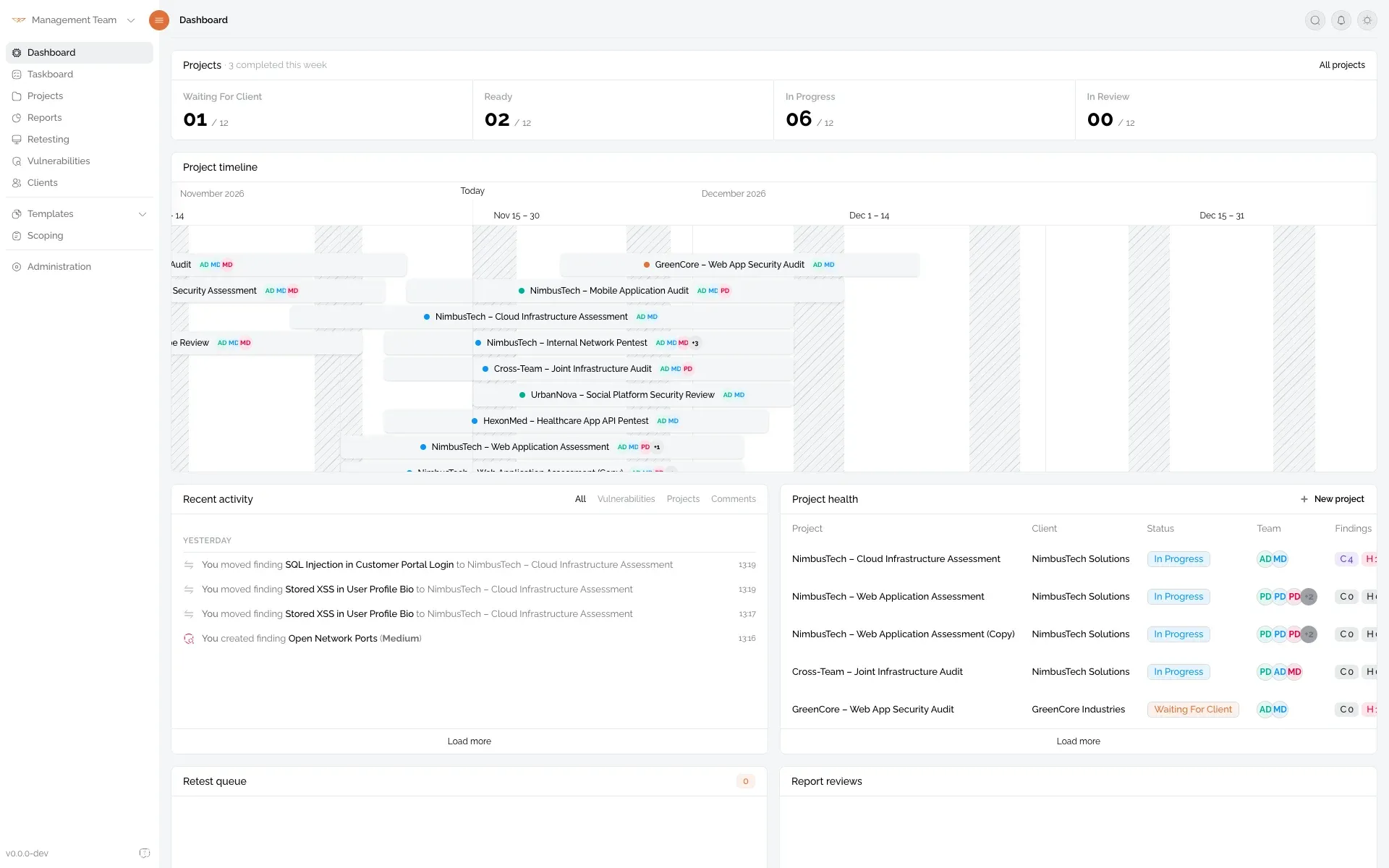
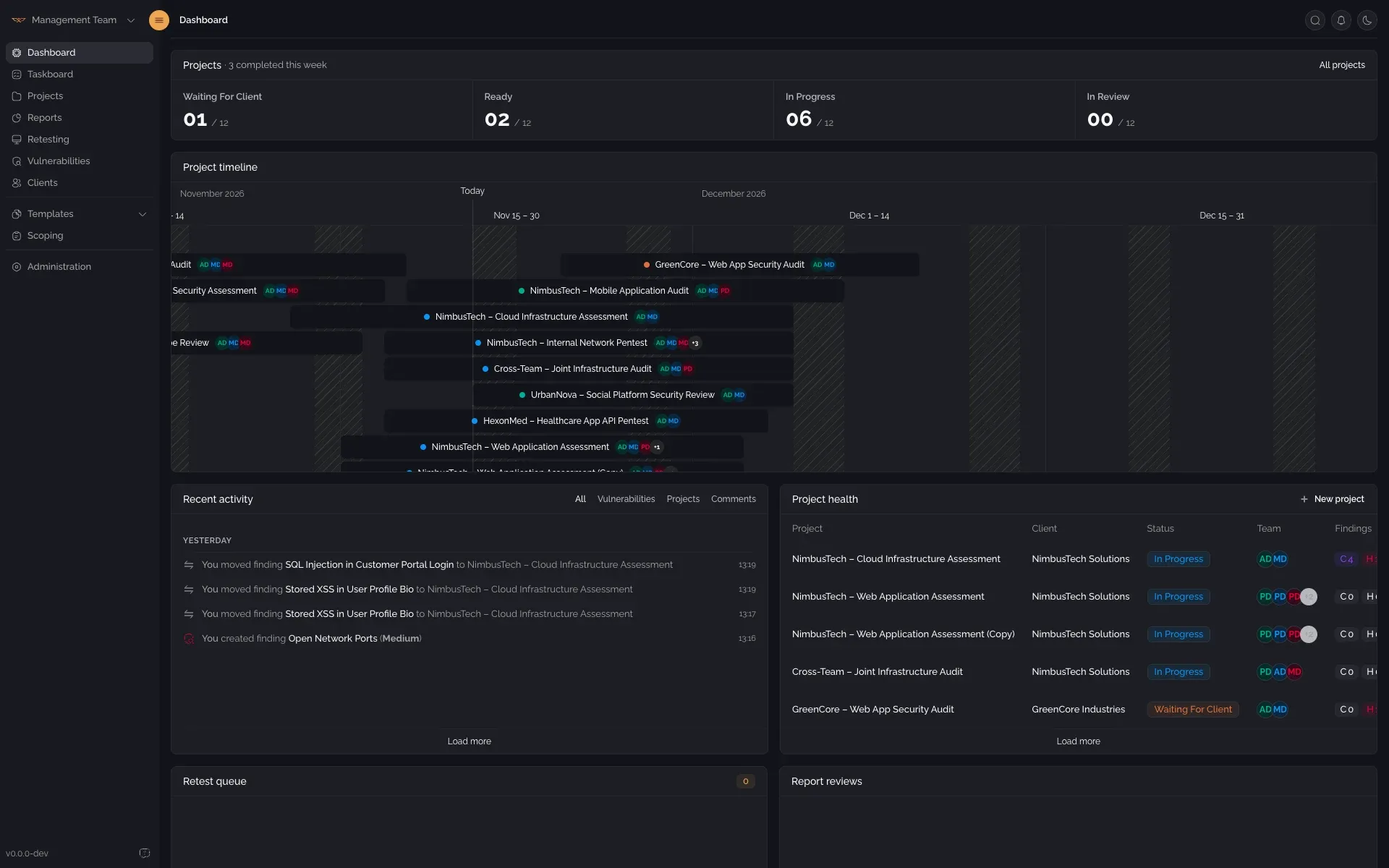
The whole practice on one screen
Projects by status, the project timeline, recent activity and project health.
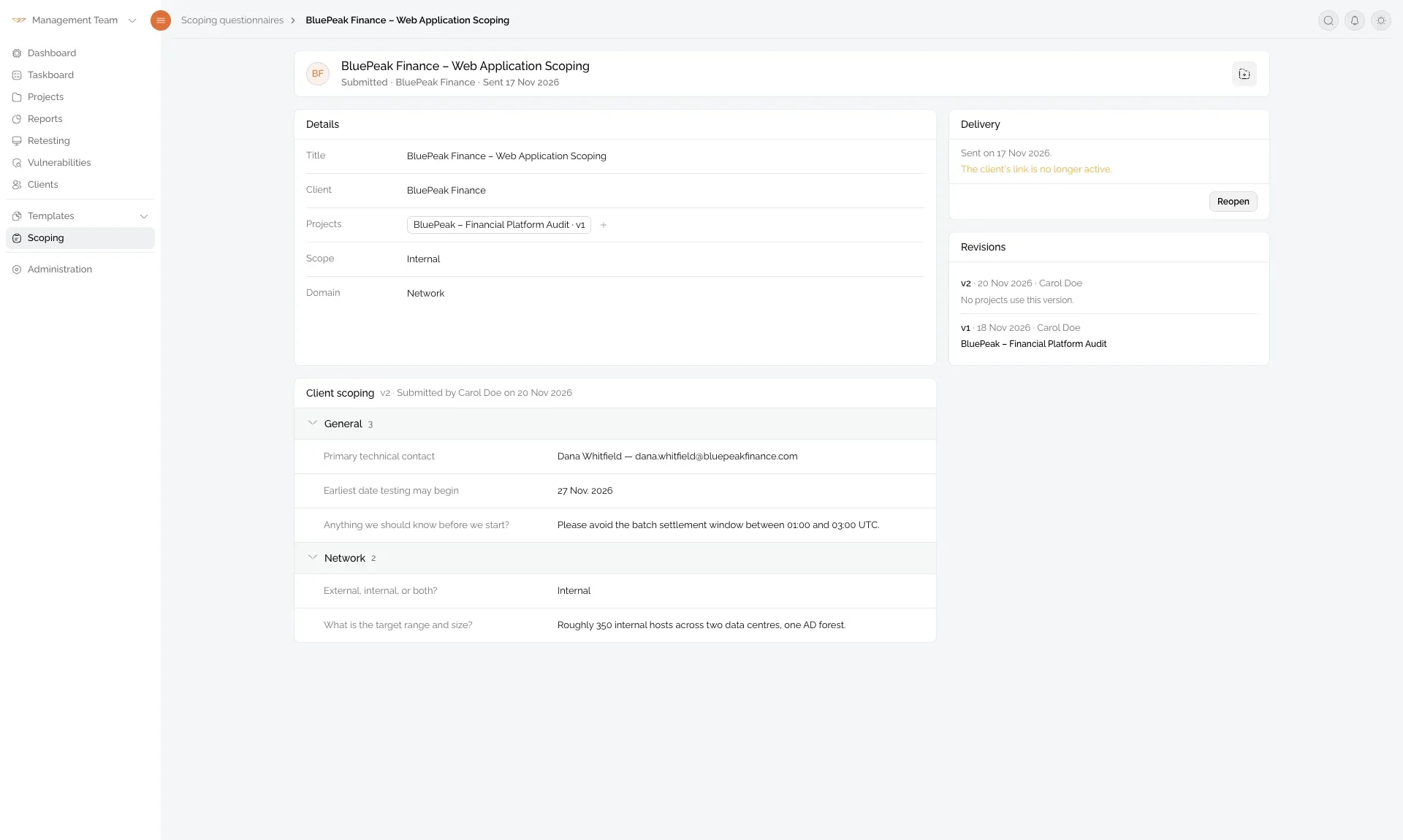
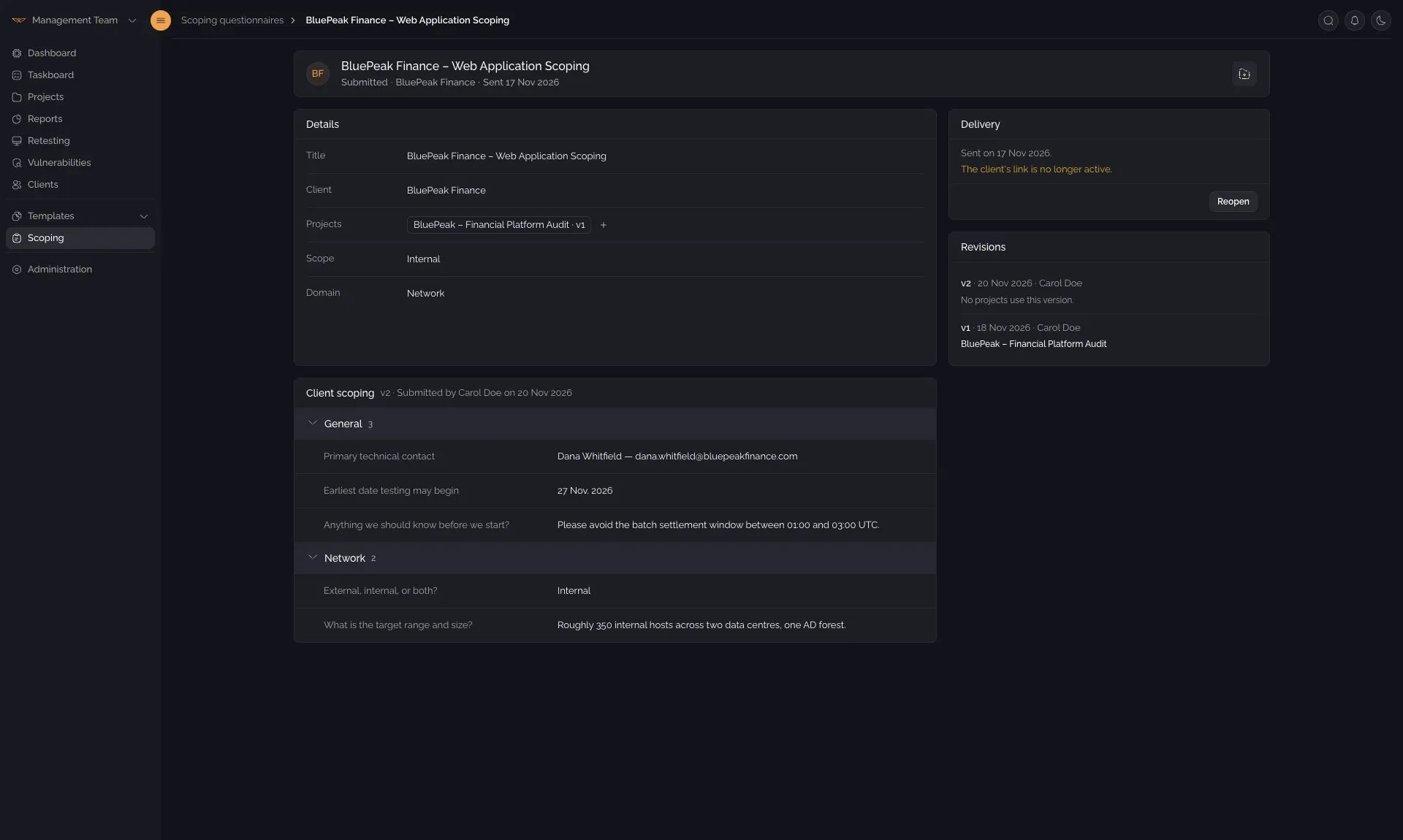
Scope collected in one questionnaire
The client answers through a link, with no account needed. The answers become a project.
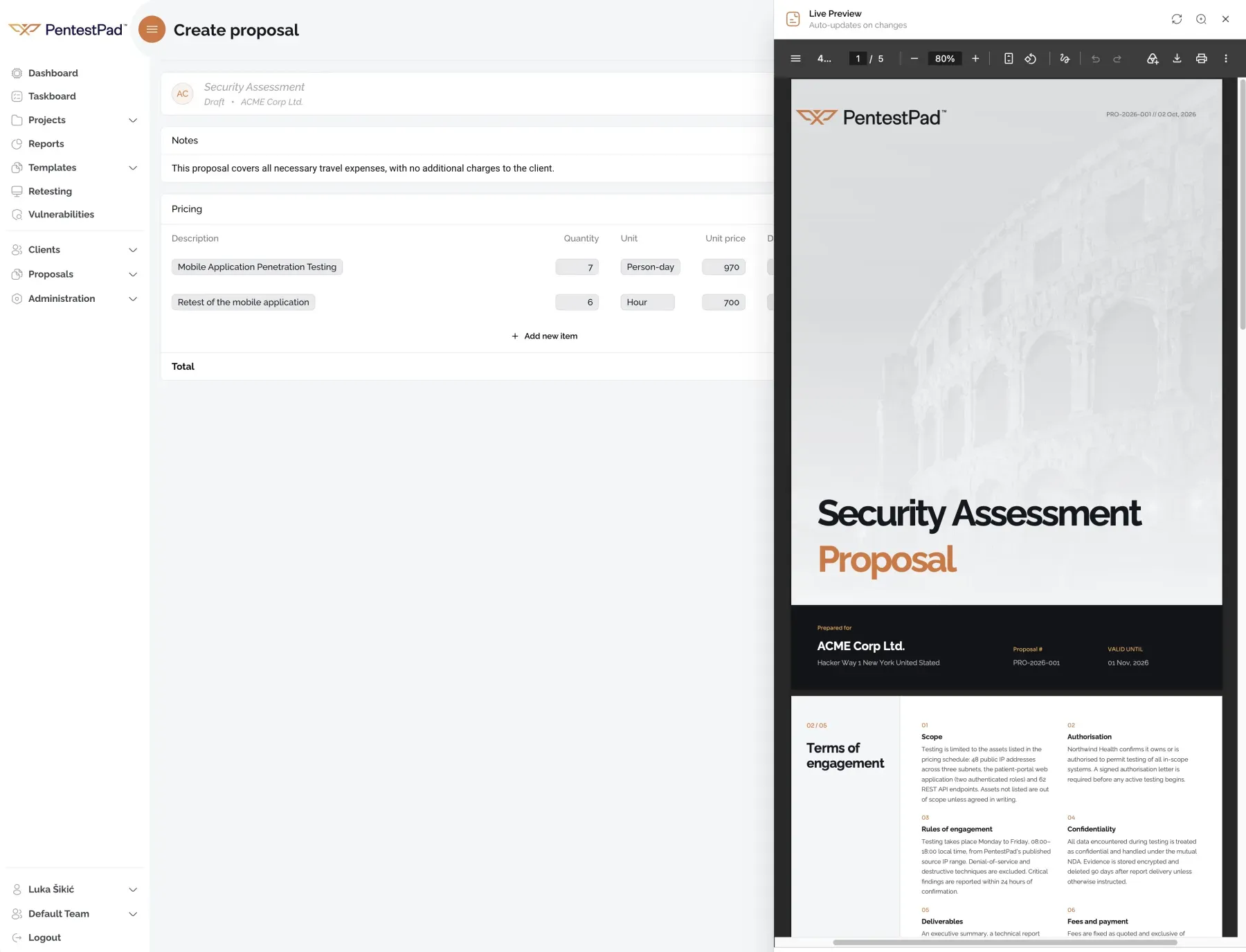
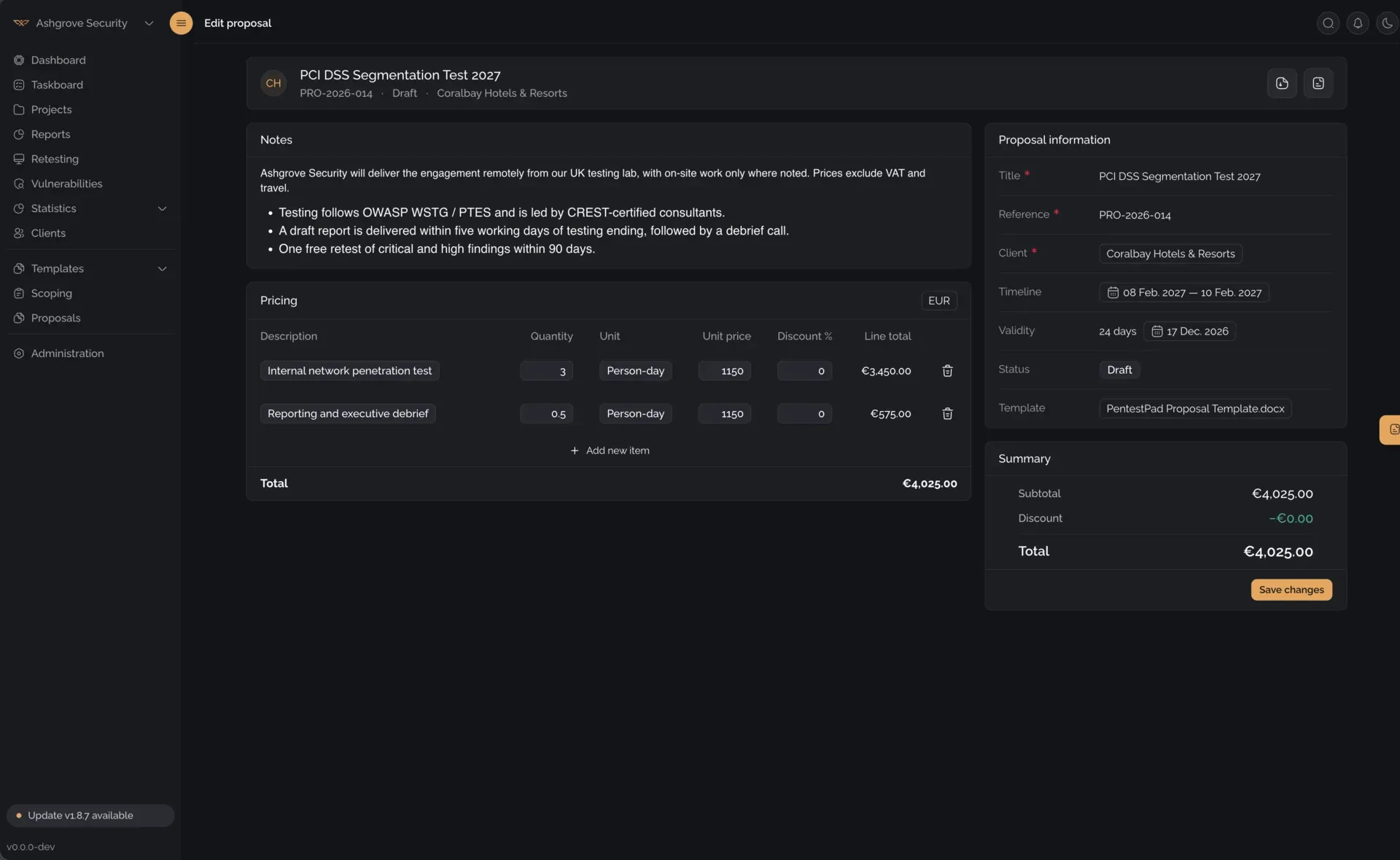
Proposals without leaving the platform
Line-item pricing, a live document preview, and PDF or DOCX export.
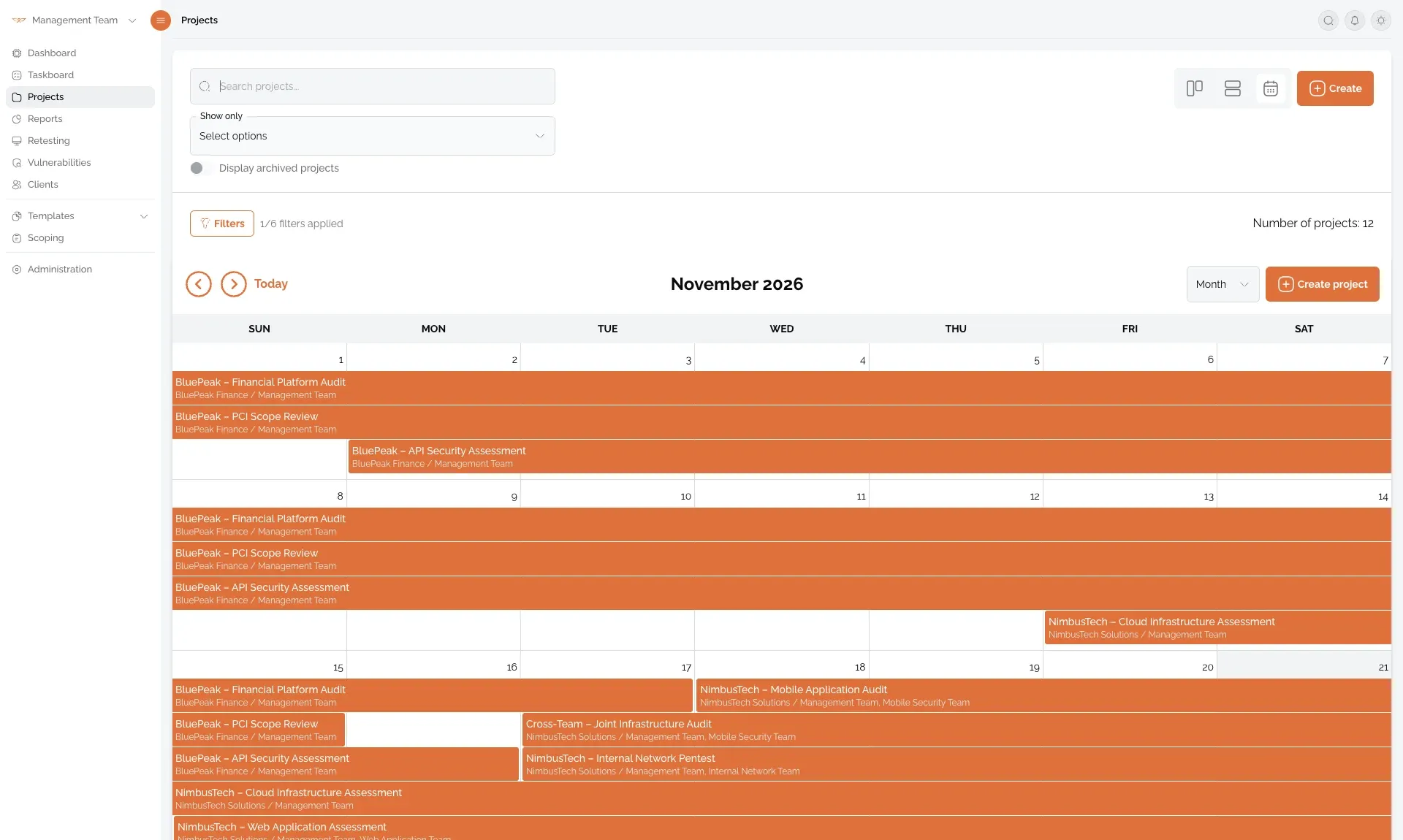
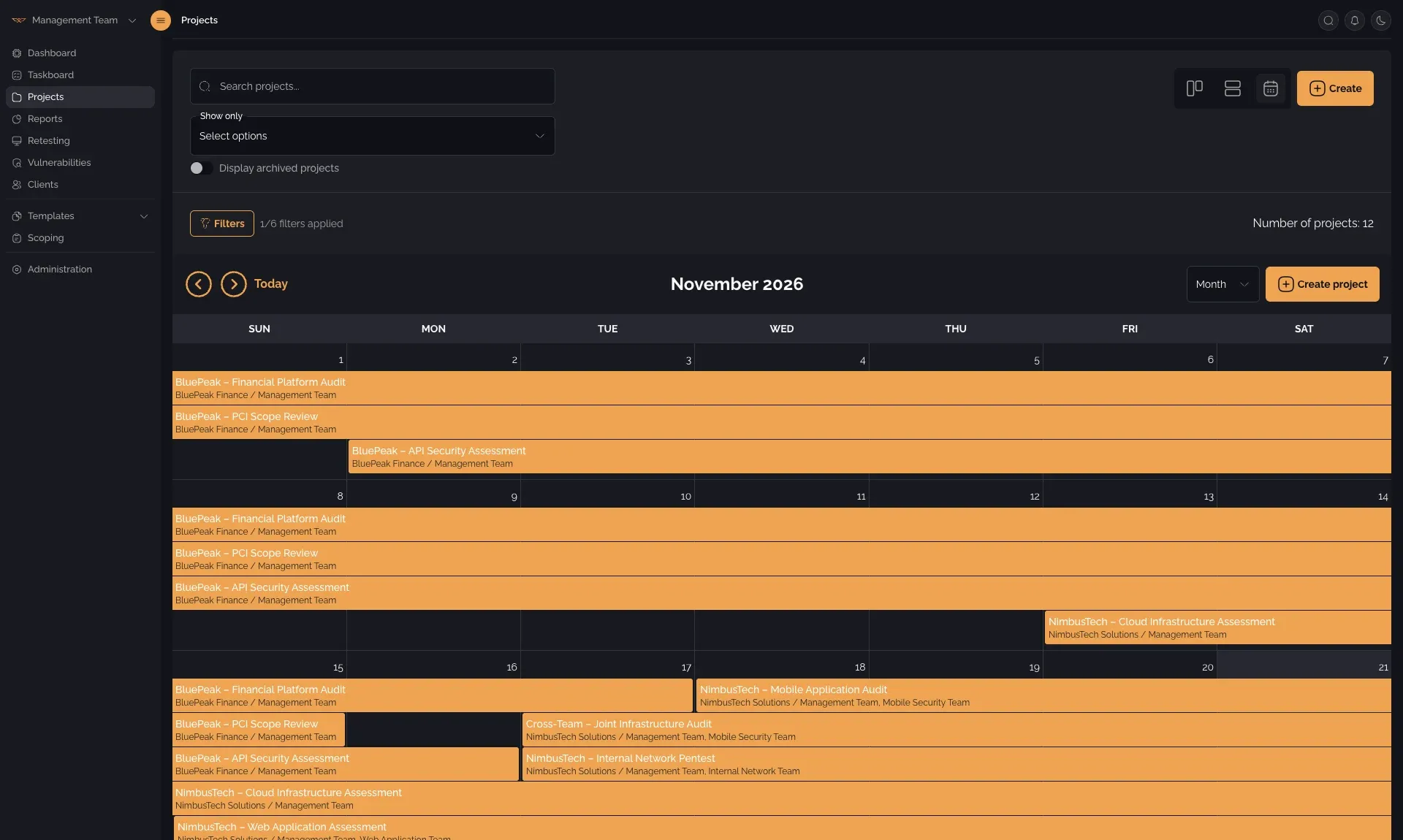
Parallel projects on one calendar
Schedule projects, the team’s workload and deadlines. Statuses follow the team’s own workflow.
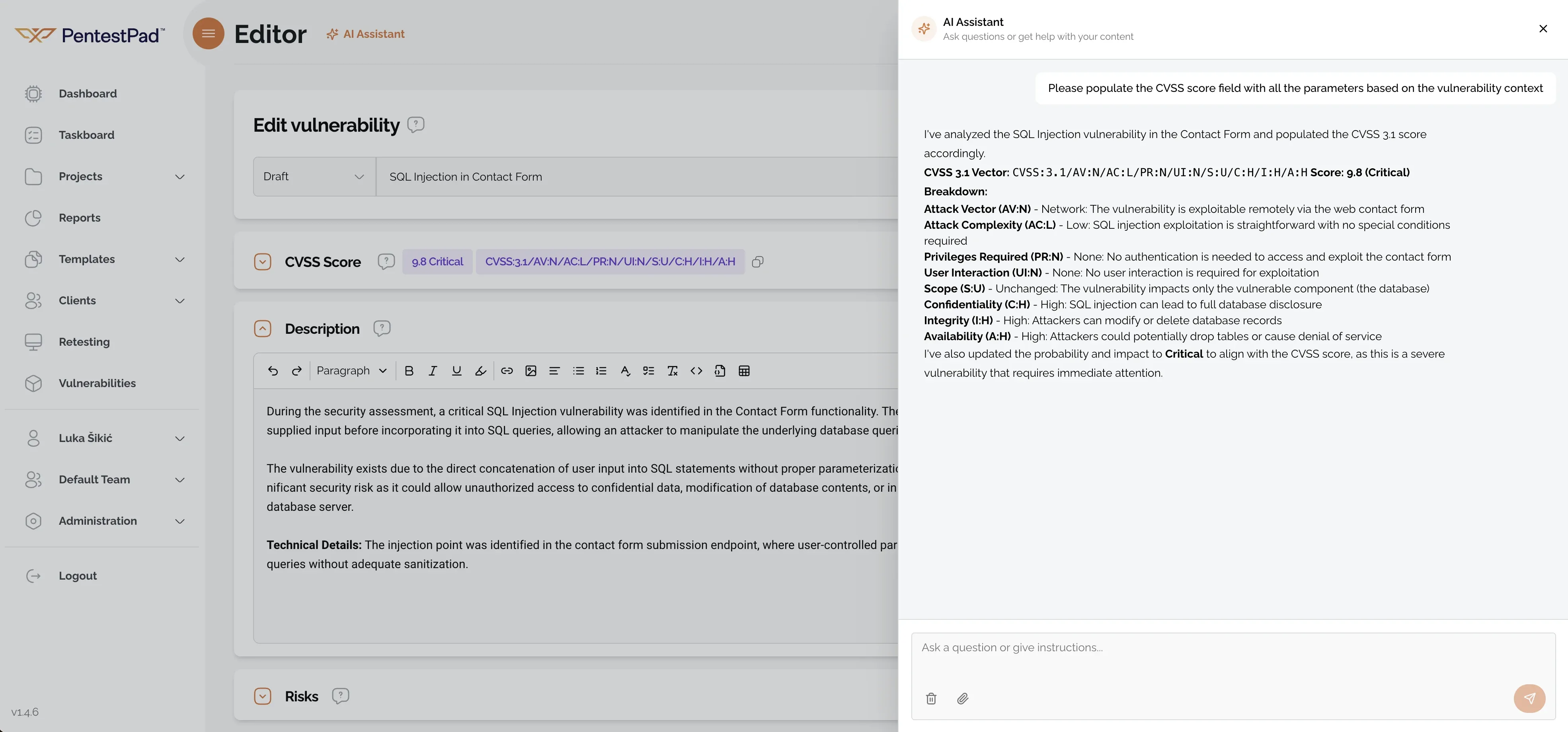
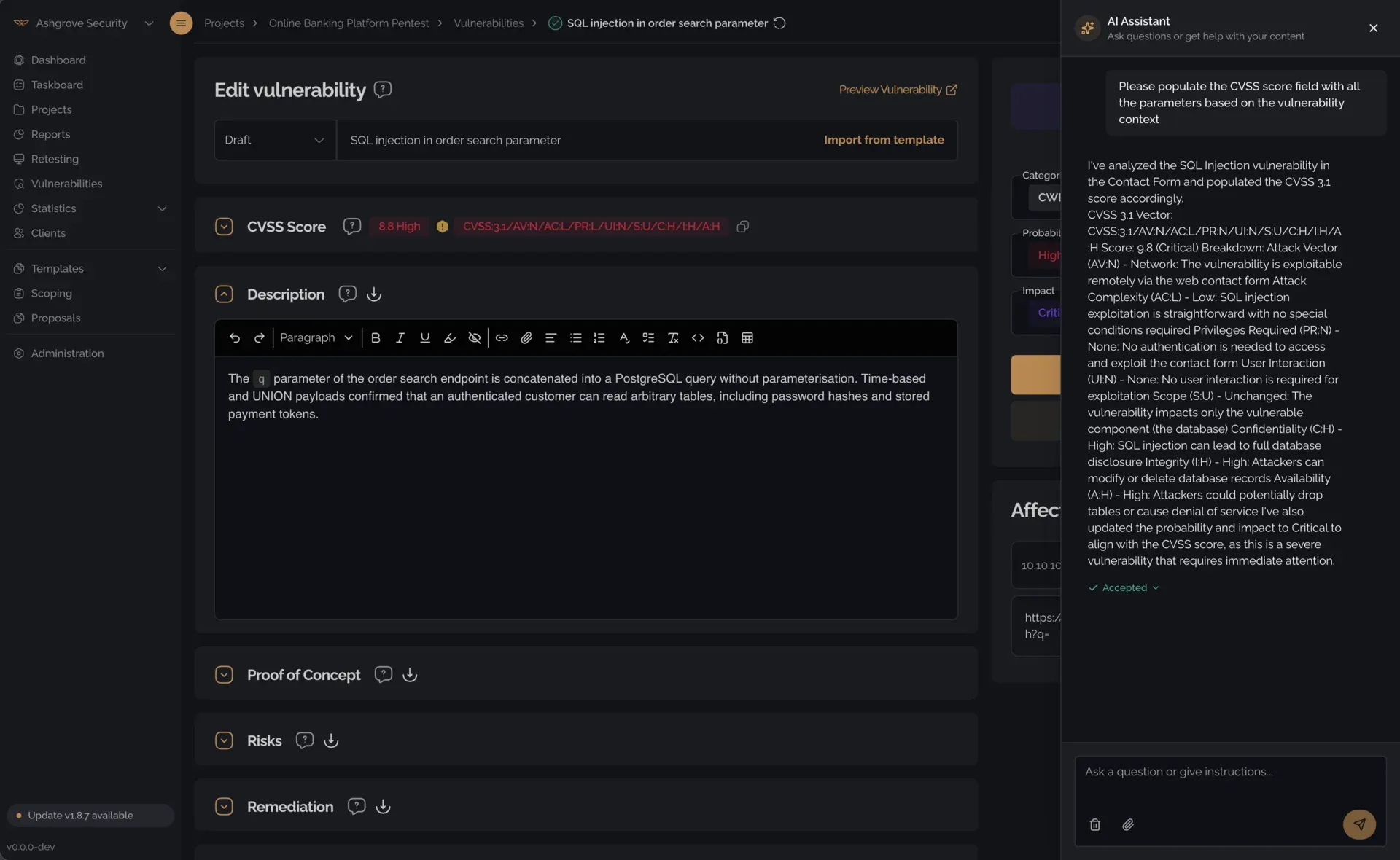
Findings drafted with the AI assistant
It writes the finding from the vulnerability’s context and fills in the CVSS score.
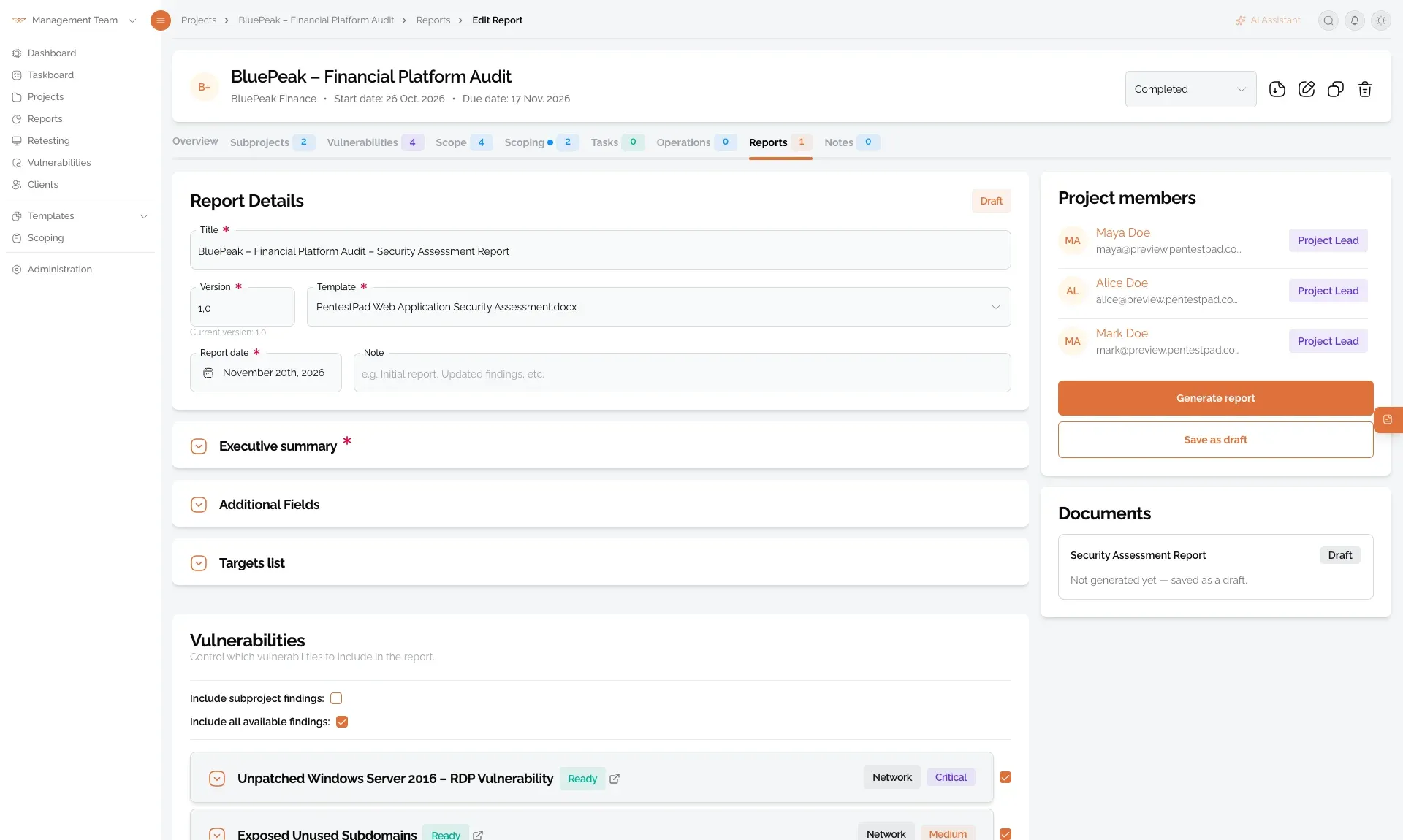
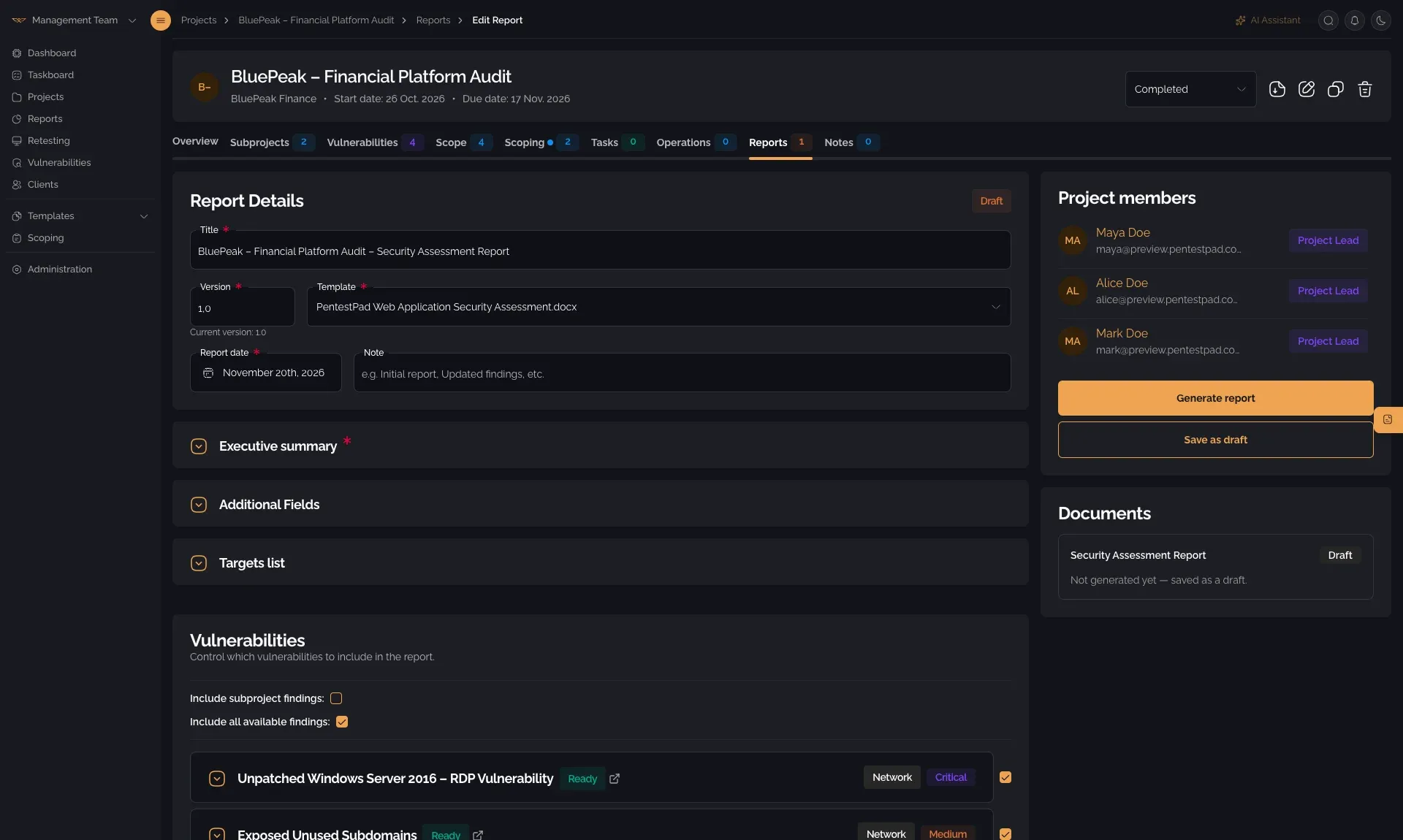
The report, generated from a template
Pick a branded template, add the executive summary and targets, and export to DOCX or PDF.
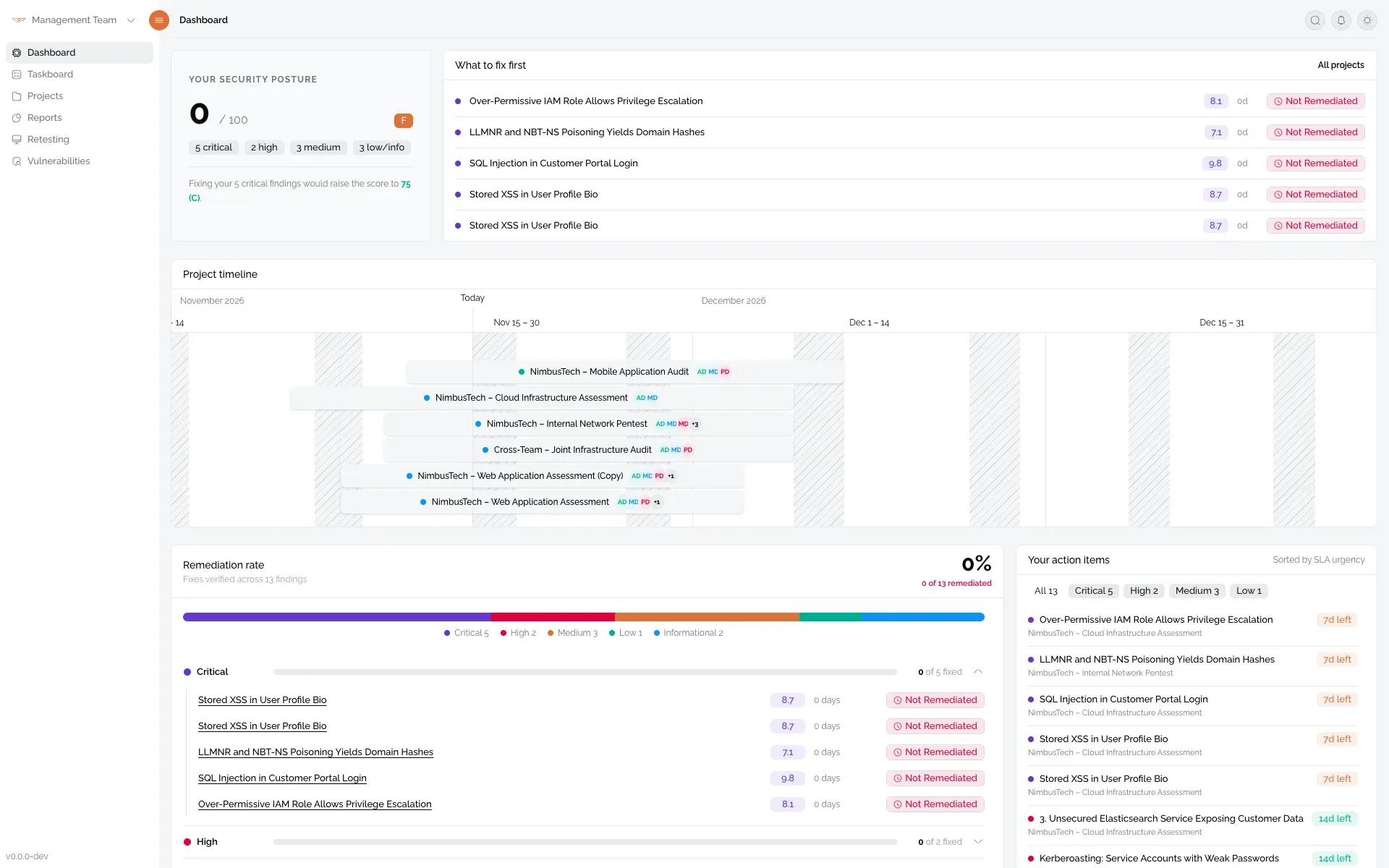
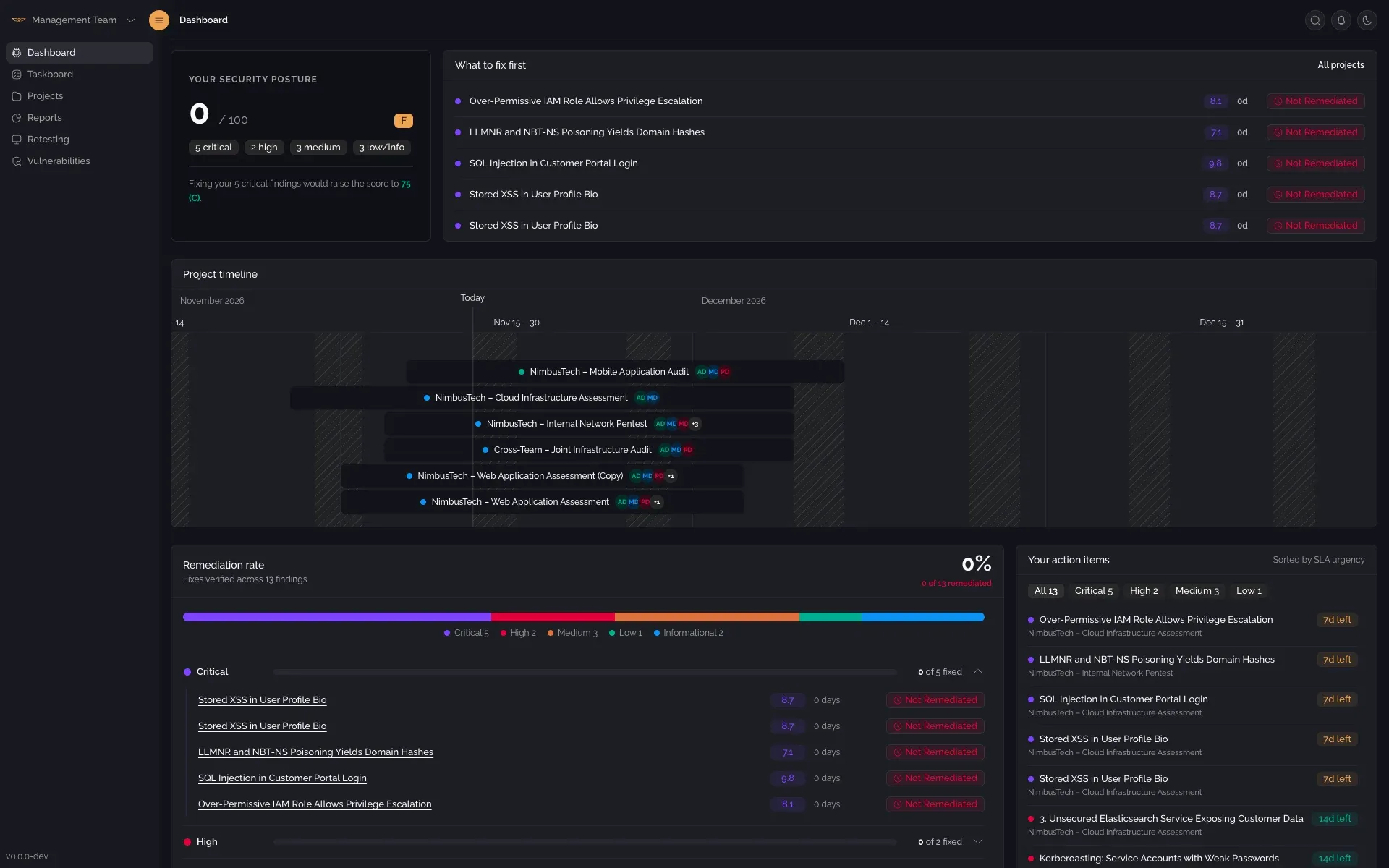
The client portal
A security posture score, what to fix first, the project timeline and the remediation rate.
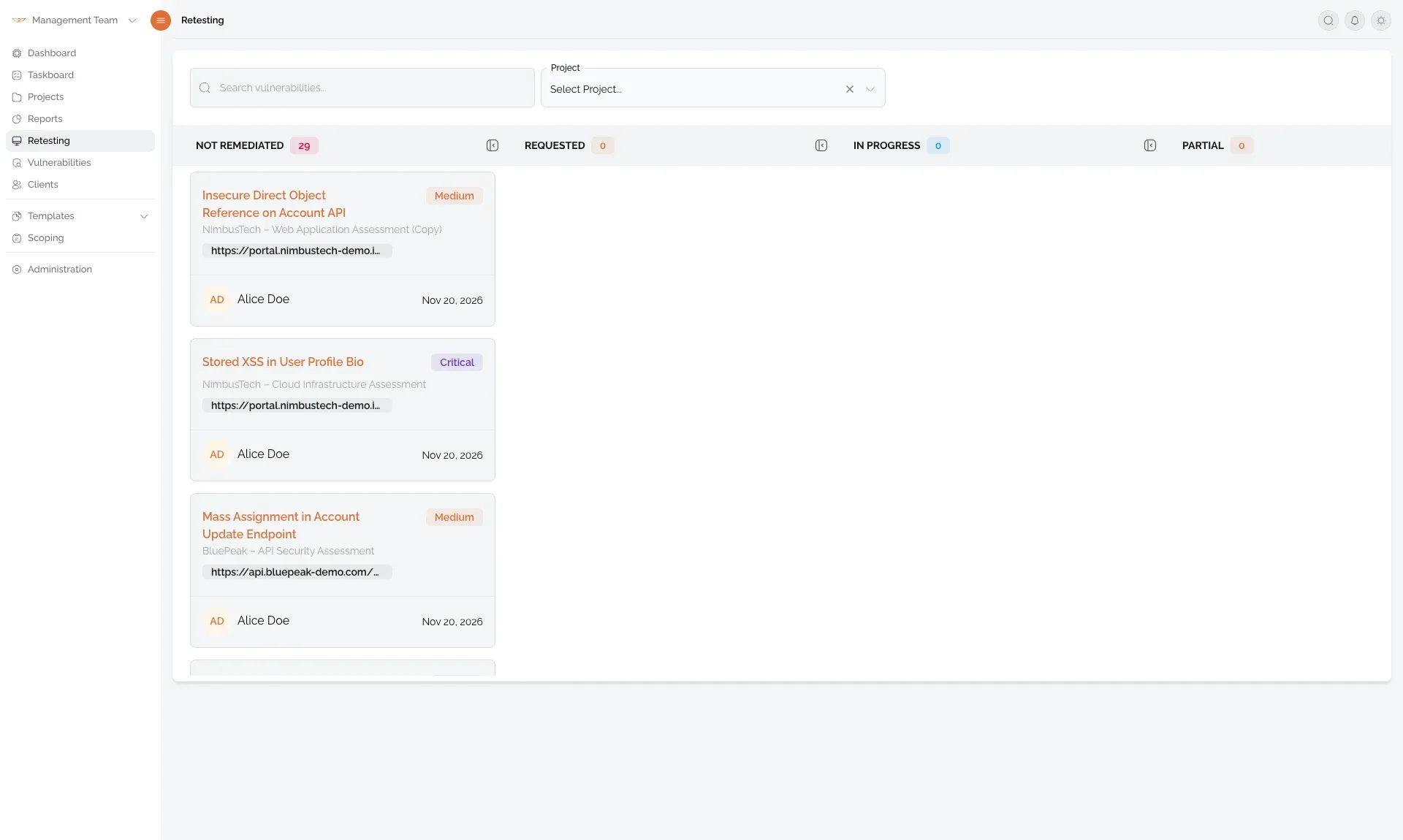
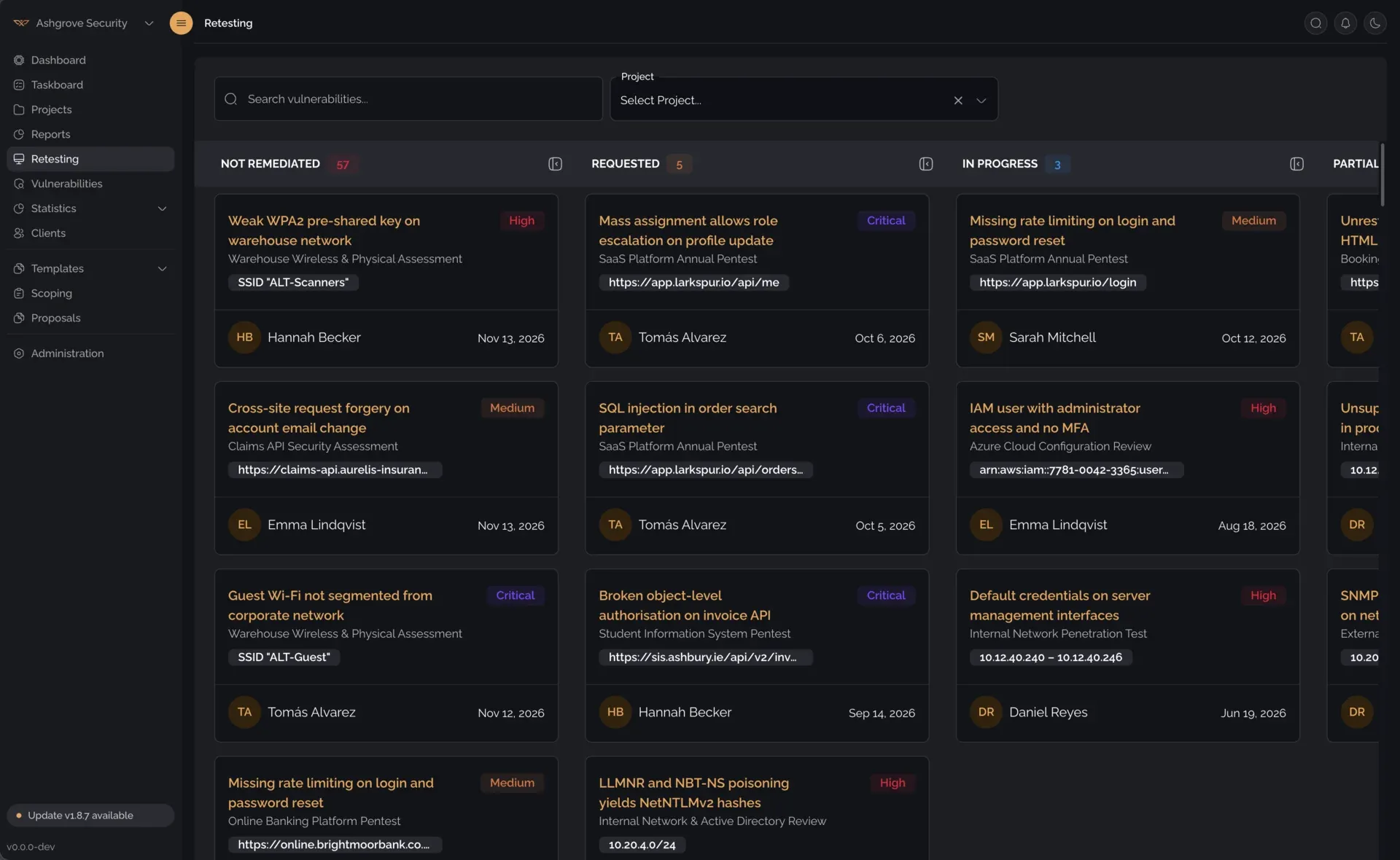
Every retest on a board
Clients request a retest from the portal. Each request moves from requested to retested.






Choose how you want to host PentestPad
Self-hosted
Full control over your data and infrastructure
Cloud
Quick setup with managed hosting
Report automation
From findings to a finished report
- 1Bring your templateUpload your DOCX and place placeholders where the data should appear.
- 2Add the findingsWrite them once, or reuse write-ups from the vulnerability library.
- 3GeneratePreview the result, then export DOCX or PDF.
Client portal and retesting
Keep the client in the loop after delivery
Clients get controlled access to project progress and findings. When a fix is ready they request a retest, and each request moves across the retesting board.
See all featuresSeven steps, one platform
- 1
Scoping questionnaires
Collect the scope in one questionnaire
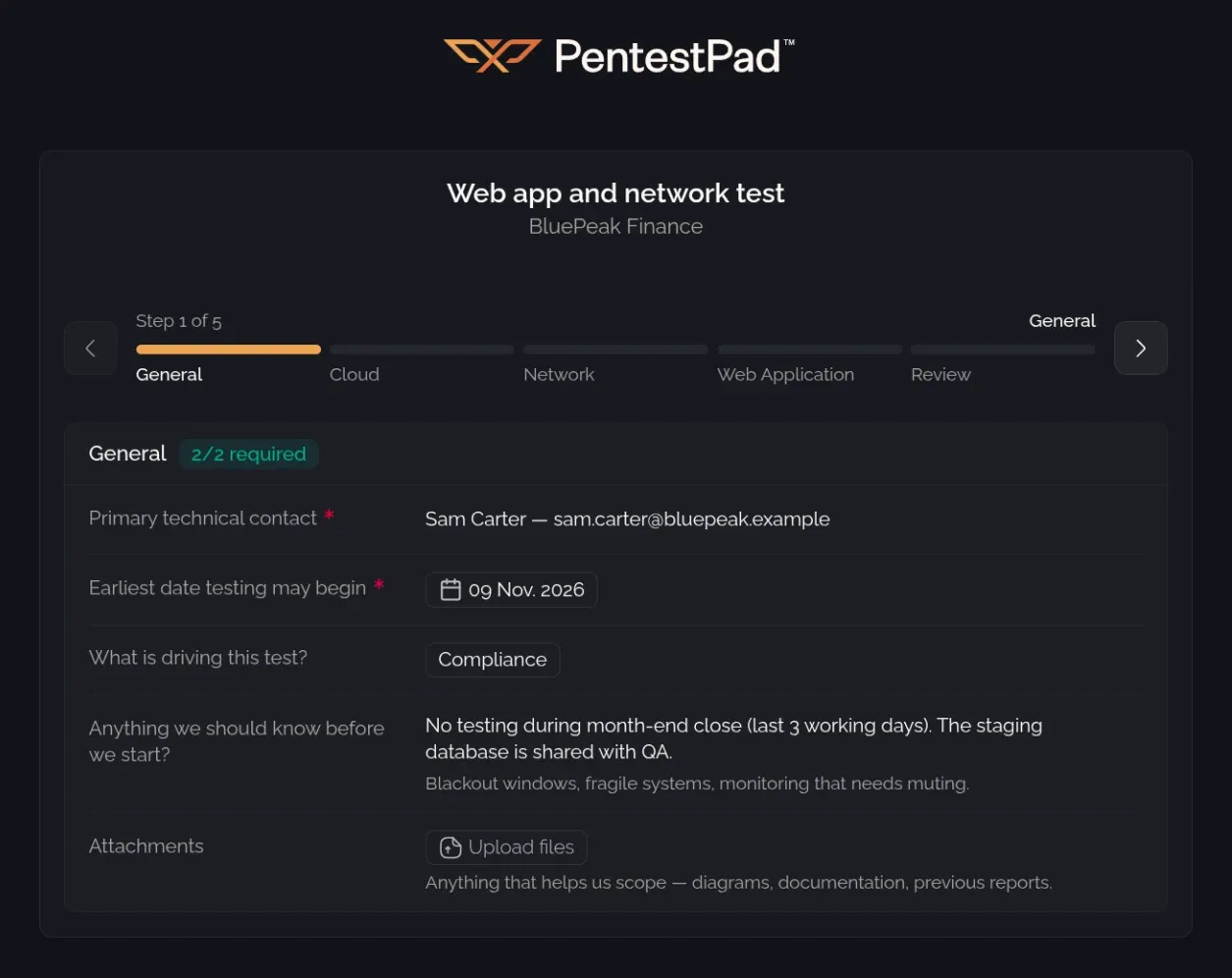
The team keeps one list of scoping questions, tagged by type of test. The client answers through a link, with no account needed. Answers save automatically and files such as an app build can be uploaded.
How to scope a pentest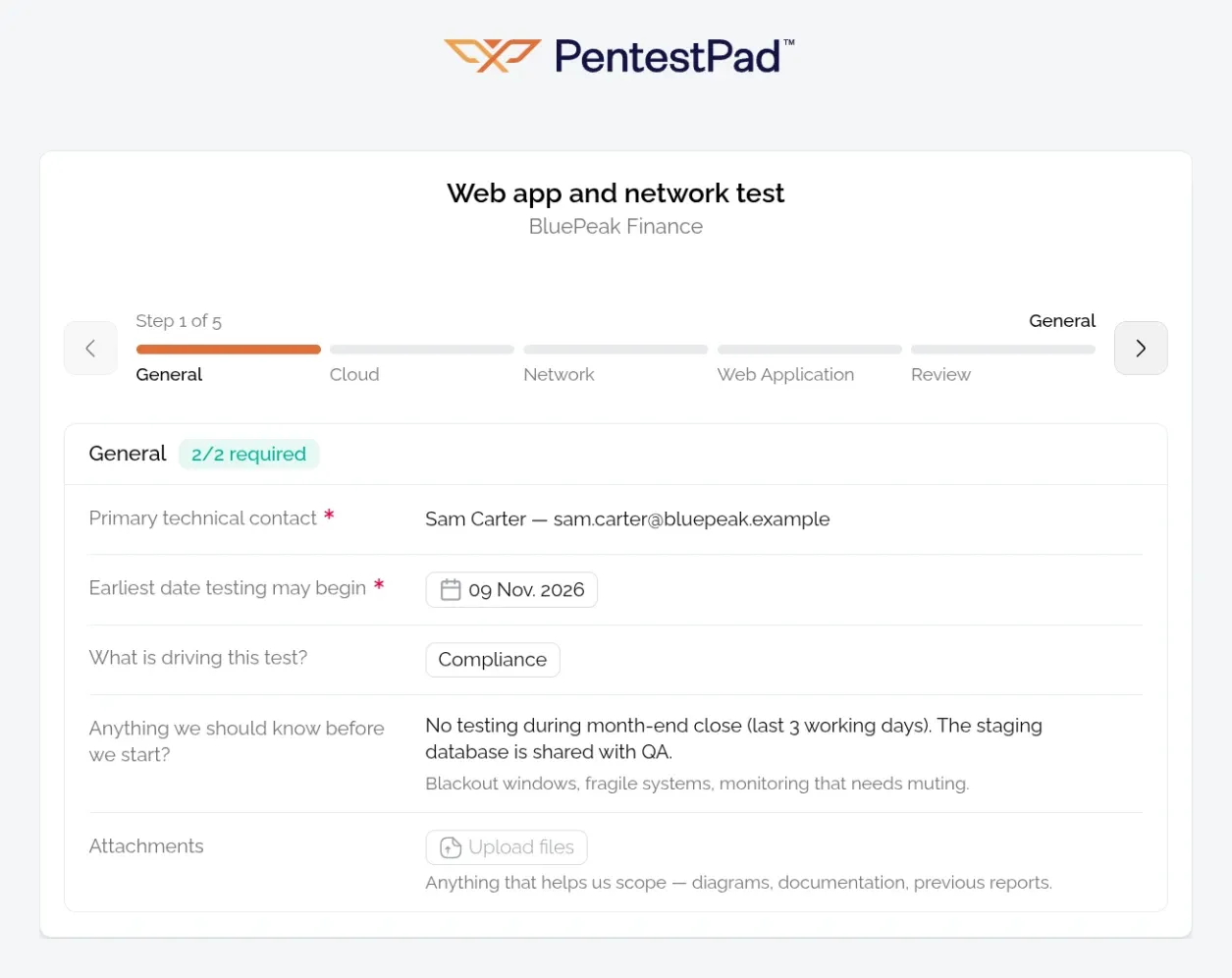
- 2
Proposals
Send the proposal from the same place
Build the proposal with line-item pricing and a live document preview, then export it to PDF or DOCX.
More on proposals - 3
Project management
Schedule parallel projects and people
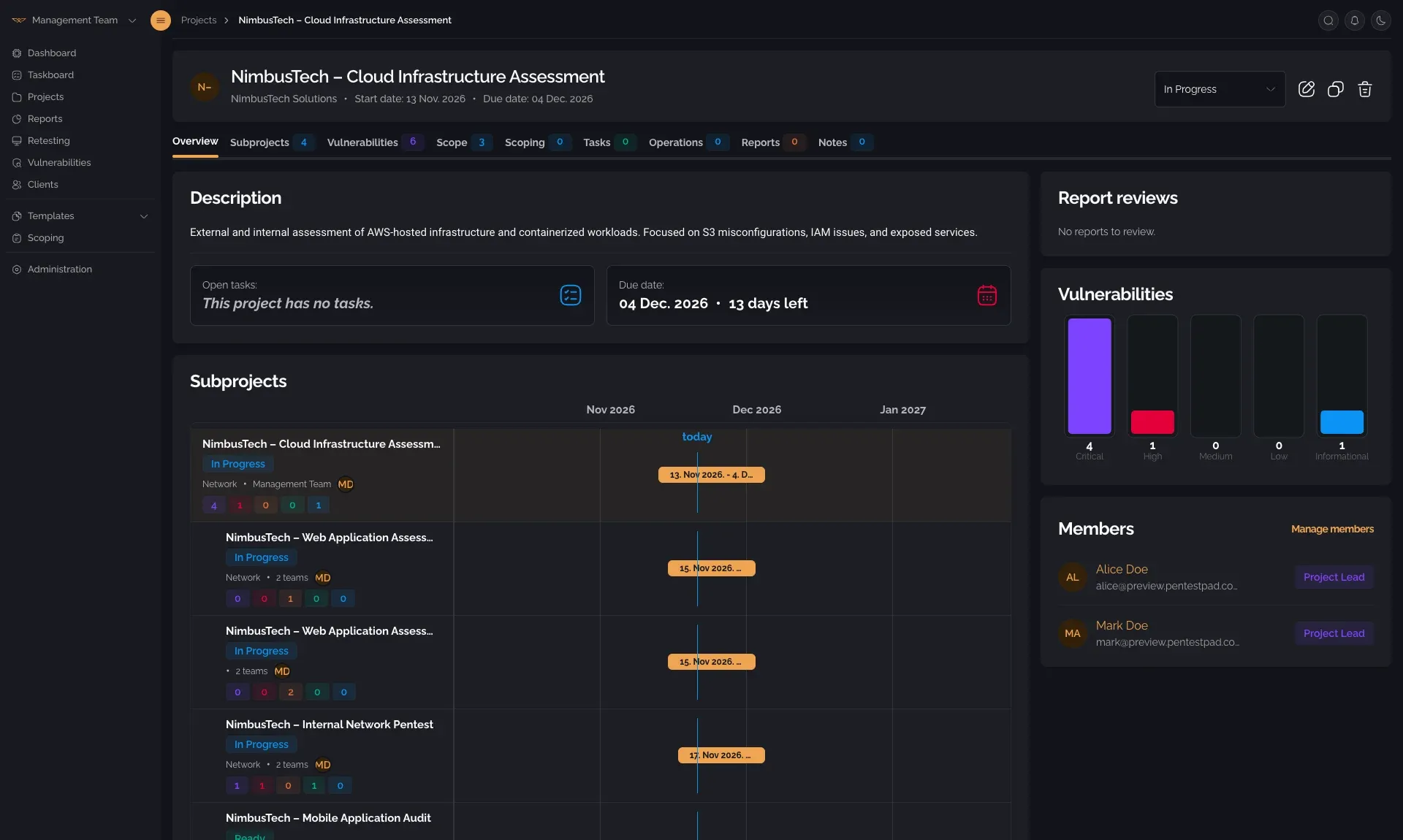
A calendar shows every project, the team’s workload and the deadlines. Large engagements split into subprojects.
More on project management - 4
Workflows and collaboration
Work the project together
Each project holds its scope, tasks, notes, resources and activity. Statuses follow the team’s own workflow, and notifications tell testers what changed.
More on team collaboration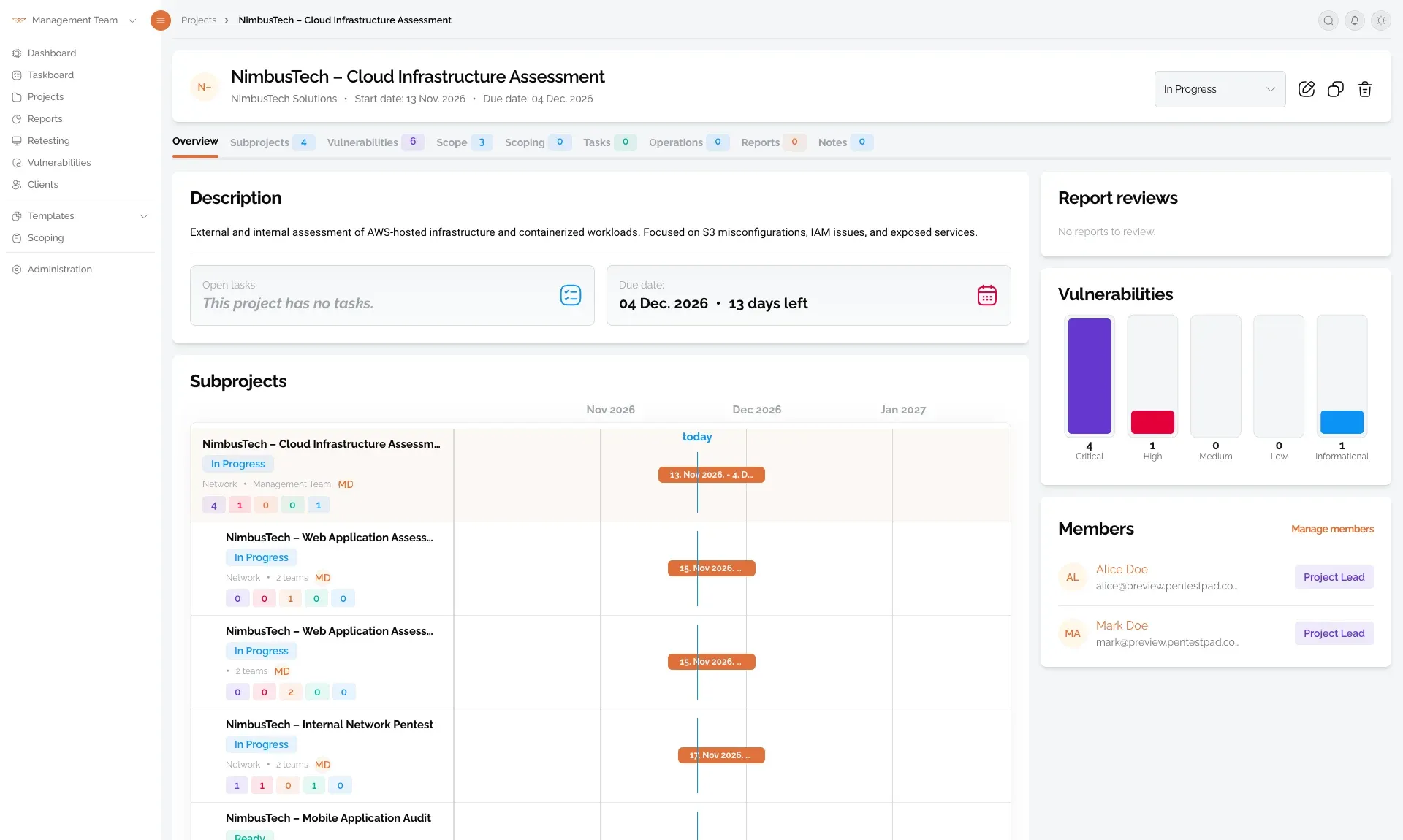
- 5
AI assistant
Draft findings with the AI assistant
The assistant writes the finding from the vulnerability’s context and fills in the CVSS score. The vulnerability library keeps reusable write-ups.
More on PentestPad AI - 6
Report automation
Generate the report from a template
Pick a branded template, add the executive summary and targets, and generate the report as DOCX or PDF.
More on report generation - 7
Client portal and retesting
Deliver, then track every retest
Clients read findings and follow progress in their own view. When a fix is ready they request a retest, and the request moves across the retesting board.
More on retesting






Let's get you started
Create your account with PentestPad now, a tool developed by pentesters for pentesters.